
6. Customers
Everyone who has a card with a phone or an email becomes a customer: from the join form, your website, CSV imports or added by your team. One person has one customer record, even with several cards — phone numbers identify people first, then emails.
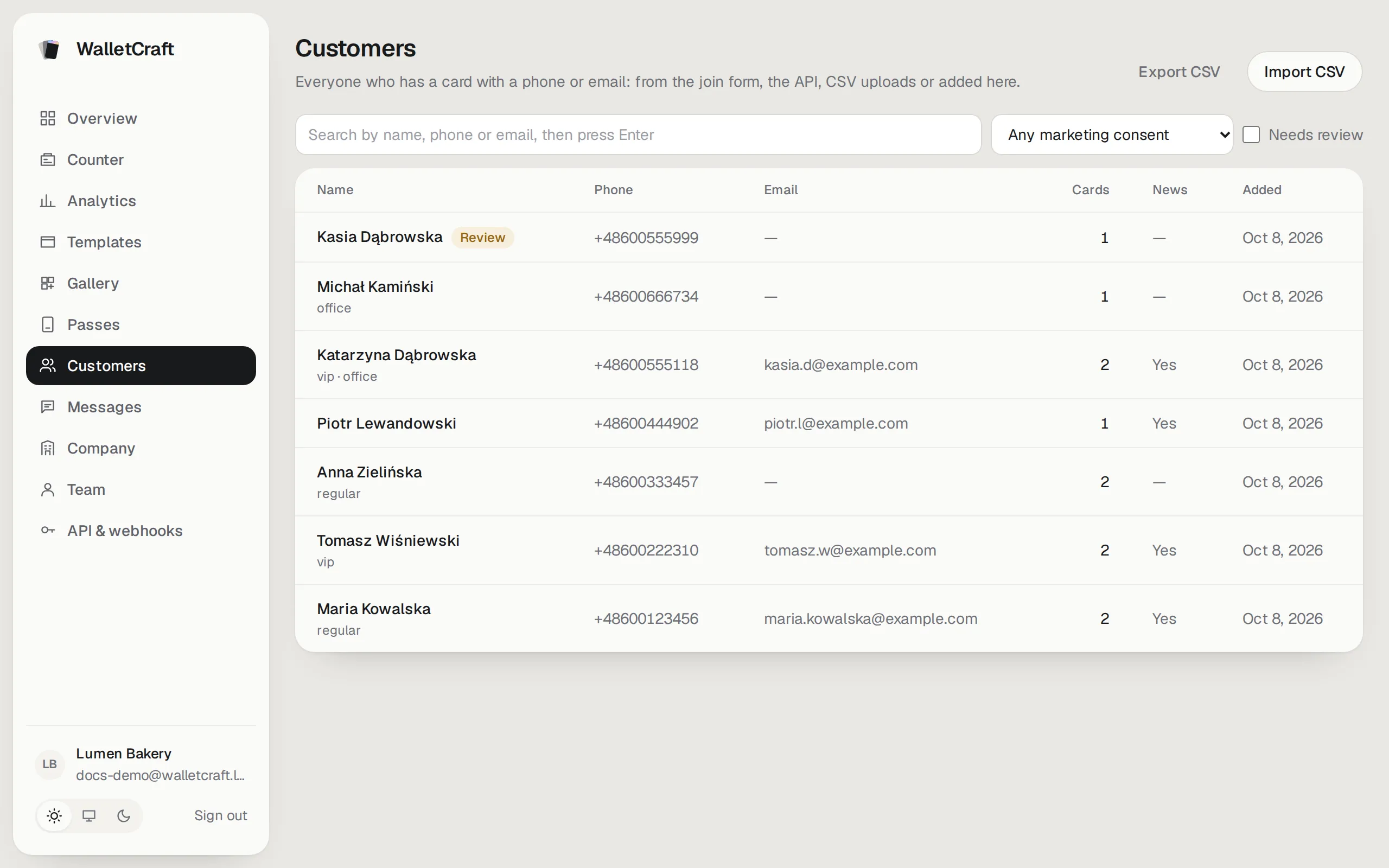
- Search by name, phone or email (press Enter).
- Filter by marketing consent or Needs review.
- Cards is how many cards the customer has; News shows who agreed to news and offers.
A customer’s page
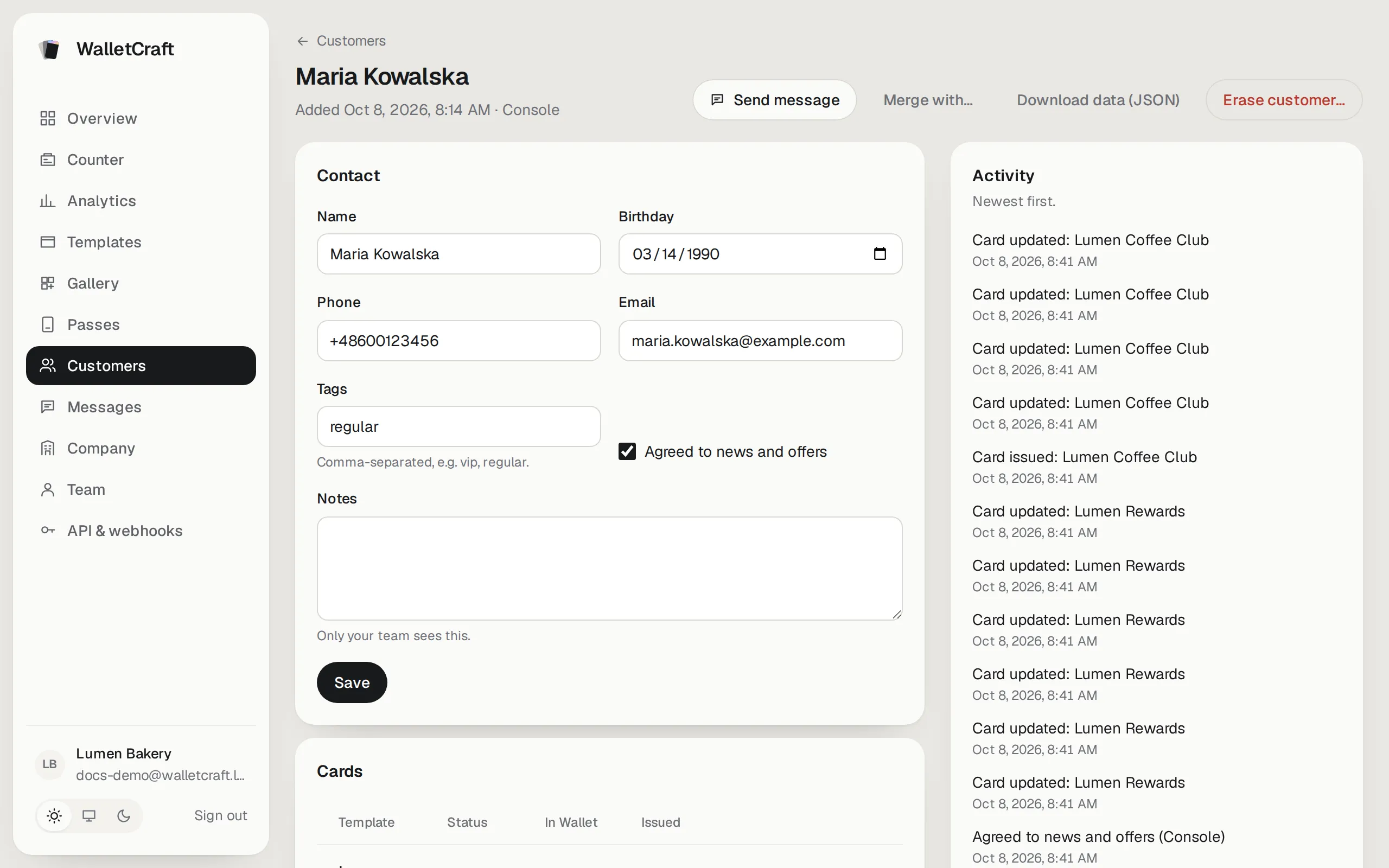
Section titled “A customer’s page”Click a name.
-
Contact — name, phone, email, birthday, tags (for messages to groups, e.g.
vip, regular), notes (only your team sees them) and Agreed to news and offers. Press Save after changes. -
Cards — the customer’s cards, whether each is in Apple or Google Wallet, with Link and Send.
-
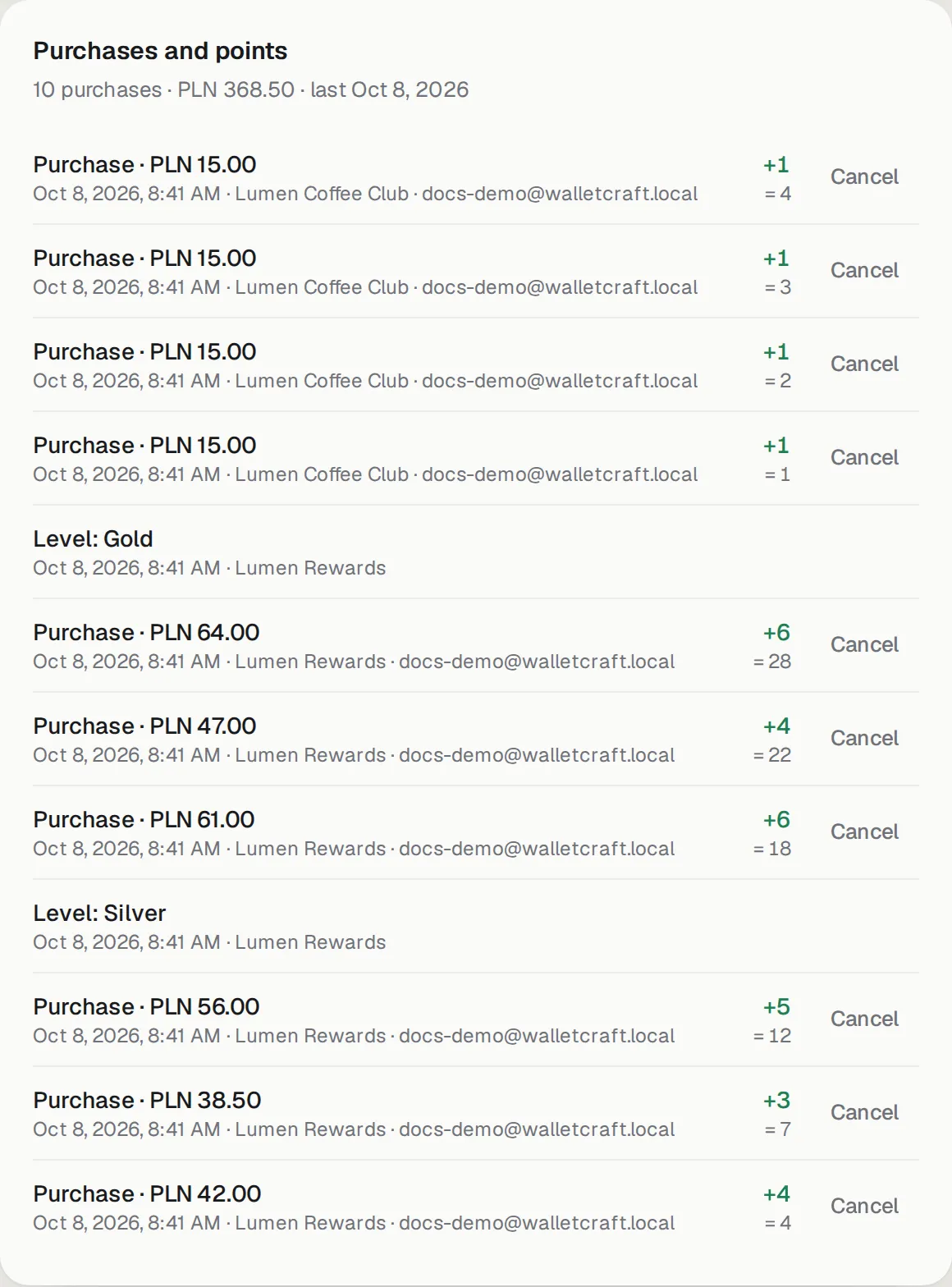
Purchases and points — every purchase and points change across the customer’s cards, with totals:
-
Activity — cards issued, updated, added to and removed from Wallet, consents given and withdrawn.
At the top: Send message (to this customer only, see Messages), Merge with…, Download data (JSON) and Erase customer….
Duplicates and “Needs review”
Section titled “Duplicates and “Needs review””Sometimes one person ends up twice — for example, they joined with a new phone number but their old email. WalletCraft never guesses: it creates a separate record and marks it Needs review.
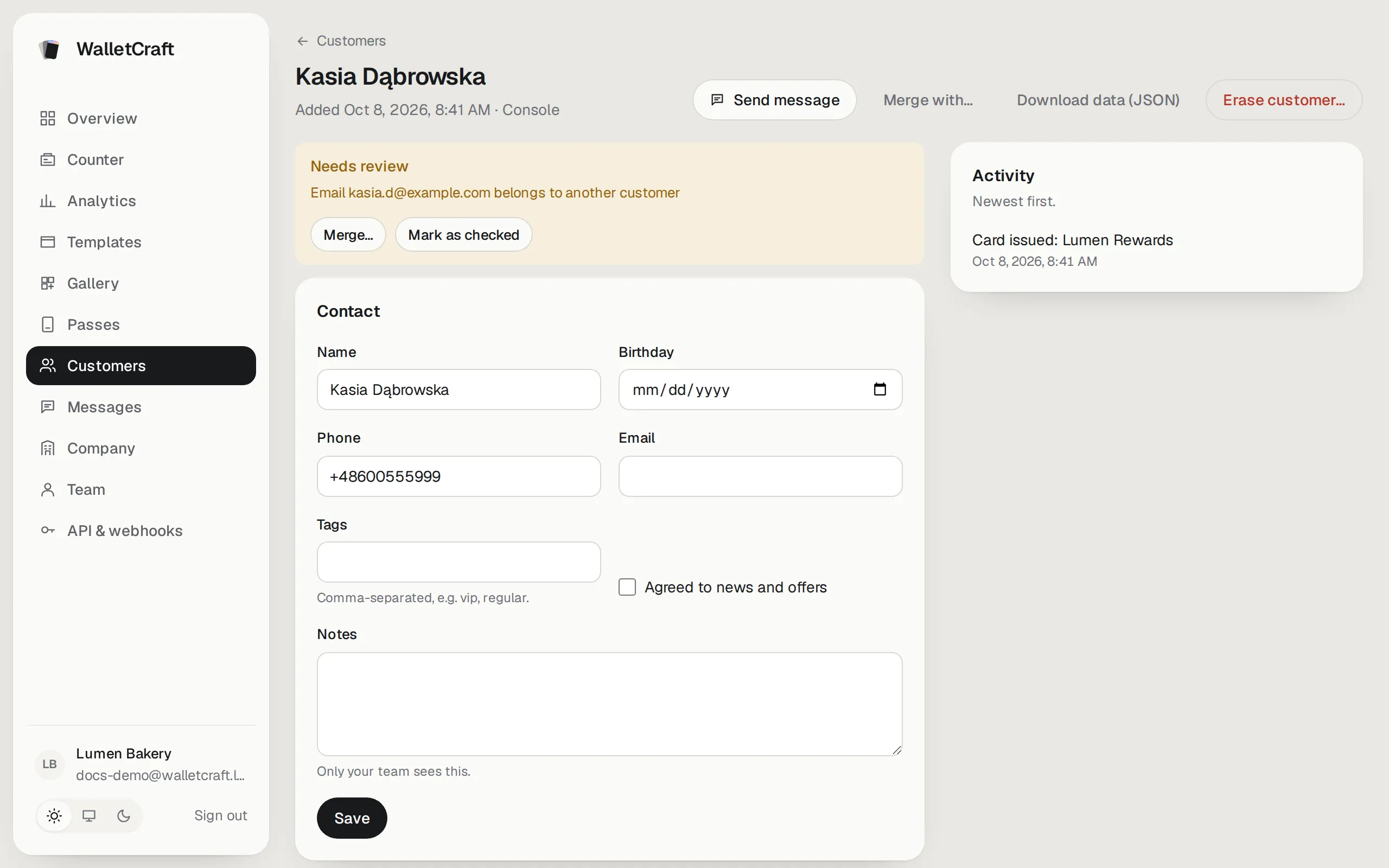
If it’s really someone else, press Mark as checked. If it’s the same person, merge them:
-
Open the record you want to keep and press Merge with…. Likely duplicates are suggested; you can also search.
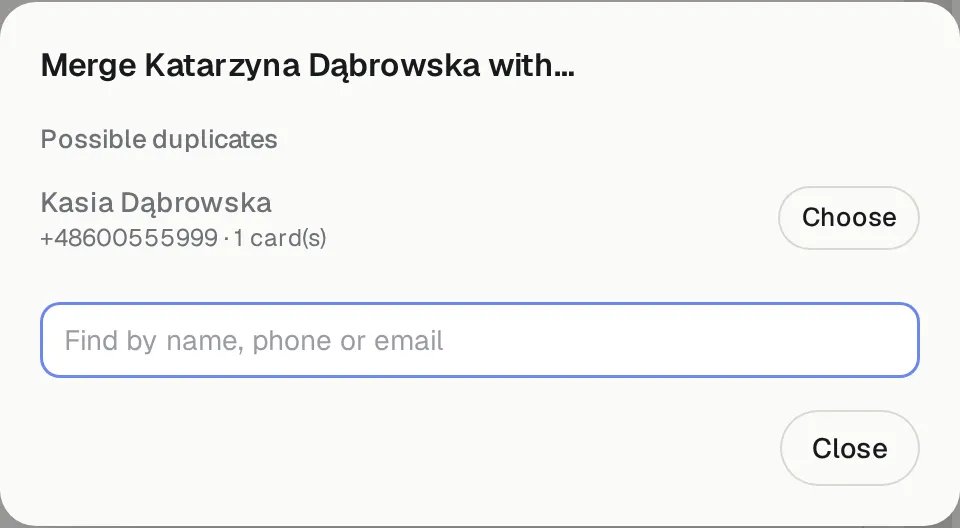
-
Press Choose, then pick, line by line, which name, phone, email and birthday to keep.
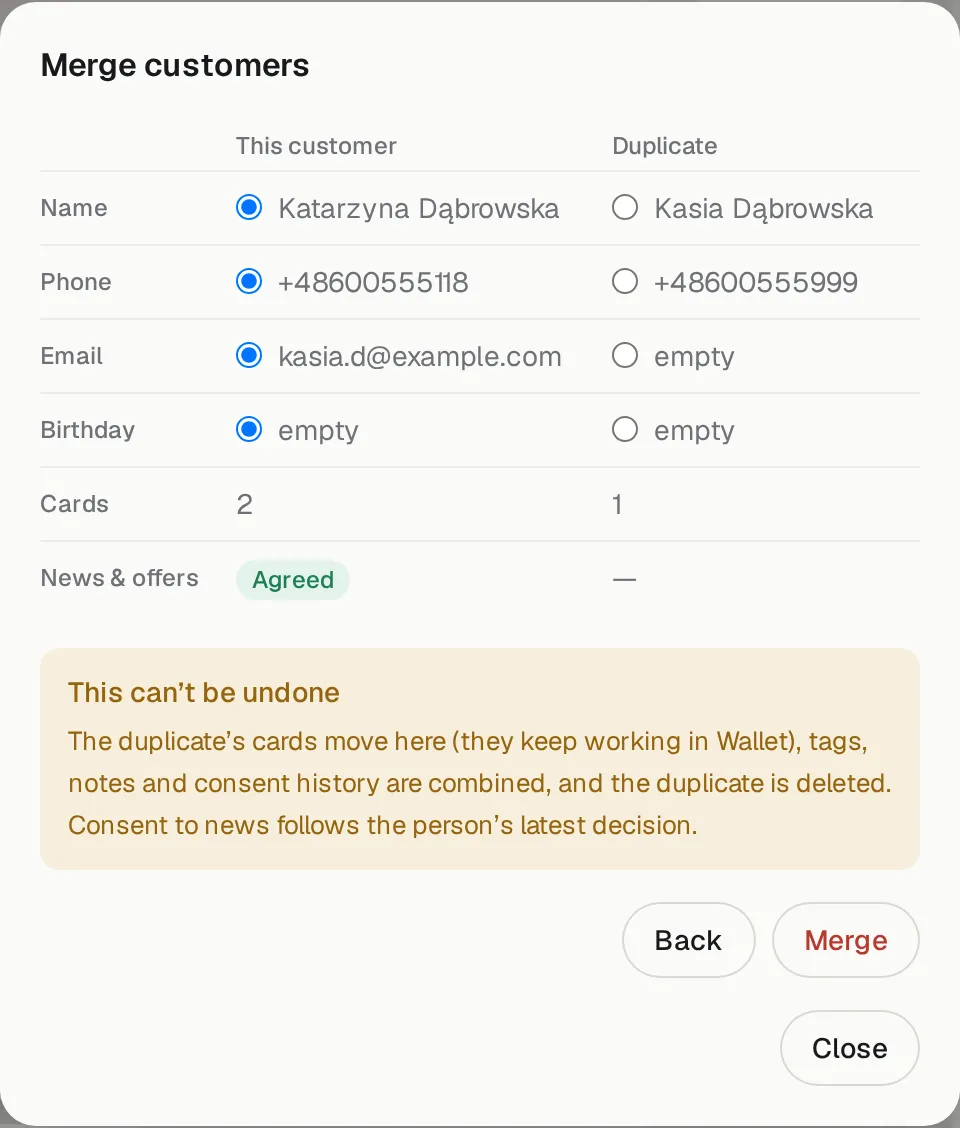
-
Press Merge. The duplicate’s cards move over and keep working in Wallet, tags, notes and consent history are combined, and the duplicate is deleted. This can’t be undone.
Import customers from a file
Section titled “Import customers from a file”Import CSV on the customers list adds or updates customers from a spreadsheet — for example your existing member list.
-
Prepare a CSV with the columns
phone,email,name,birthday(YYYY-MM-DD),tags(separated by;),notesandmarketing(yes/no). A phone or an email is required per row. -
Choose the file. Optionally Also issue a card of a template to everyone who doesn’t have one yet.
-
Press Preview — nothing is saved yet:
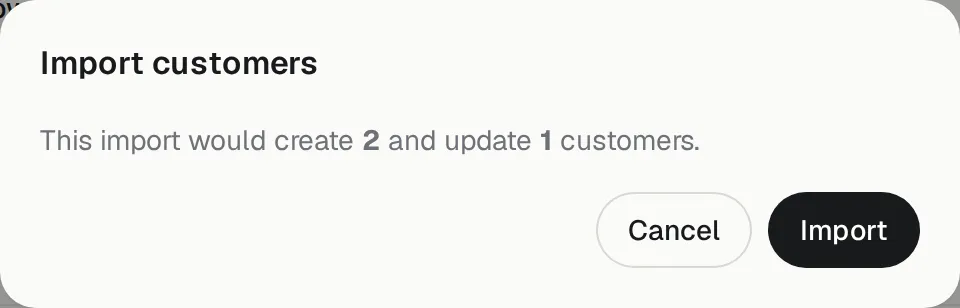
-
If the numbers look right, press Import.
Export CSV downloads all customers (owners and admins).
Privacy: download and erase
Section titled “Privacy: download and erase”A customer may ask what you store about them, or ask you to delete it (GDPR):
- Download data (JSON) — everything about the customer: contacts, consents, cards, purchases and history.
- Erase customer… — deletes their personal data for good. Statistics stay, without personal data.
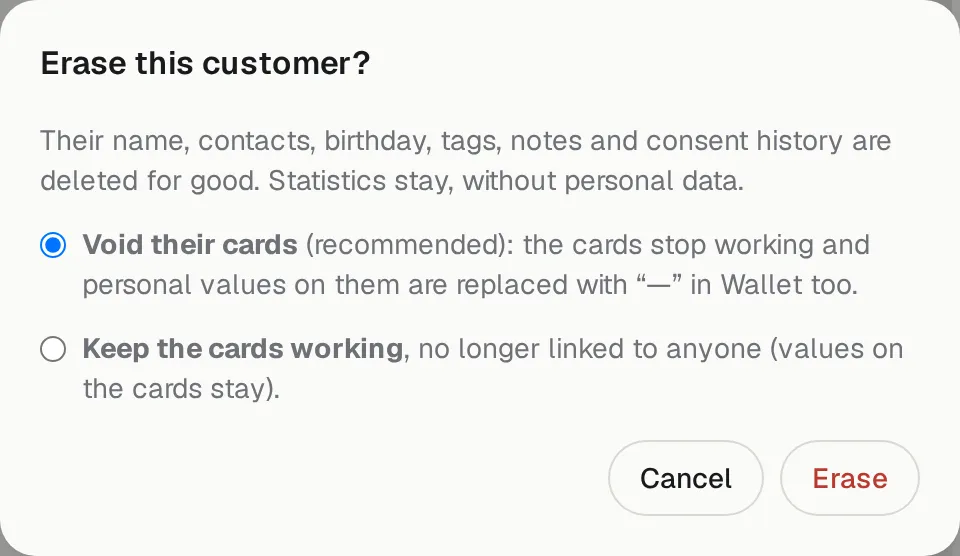
Choose whether their cards stop working (Void their cards, recommended — names on the cards are replaced with “—”) or keep working without being linked to anyone.